
Free sample images
Remove Background from Image
Try a free sample, or remove the background from your own photo for 1 credit. Download a transparent PNG.
- Free sample images
- Clean edges around hair, fur, and product outlines
- Full-size background removal
Paste an image with Ctrl+V or ⌘+V. Your image is sent to our processing provider, kie.ai.
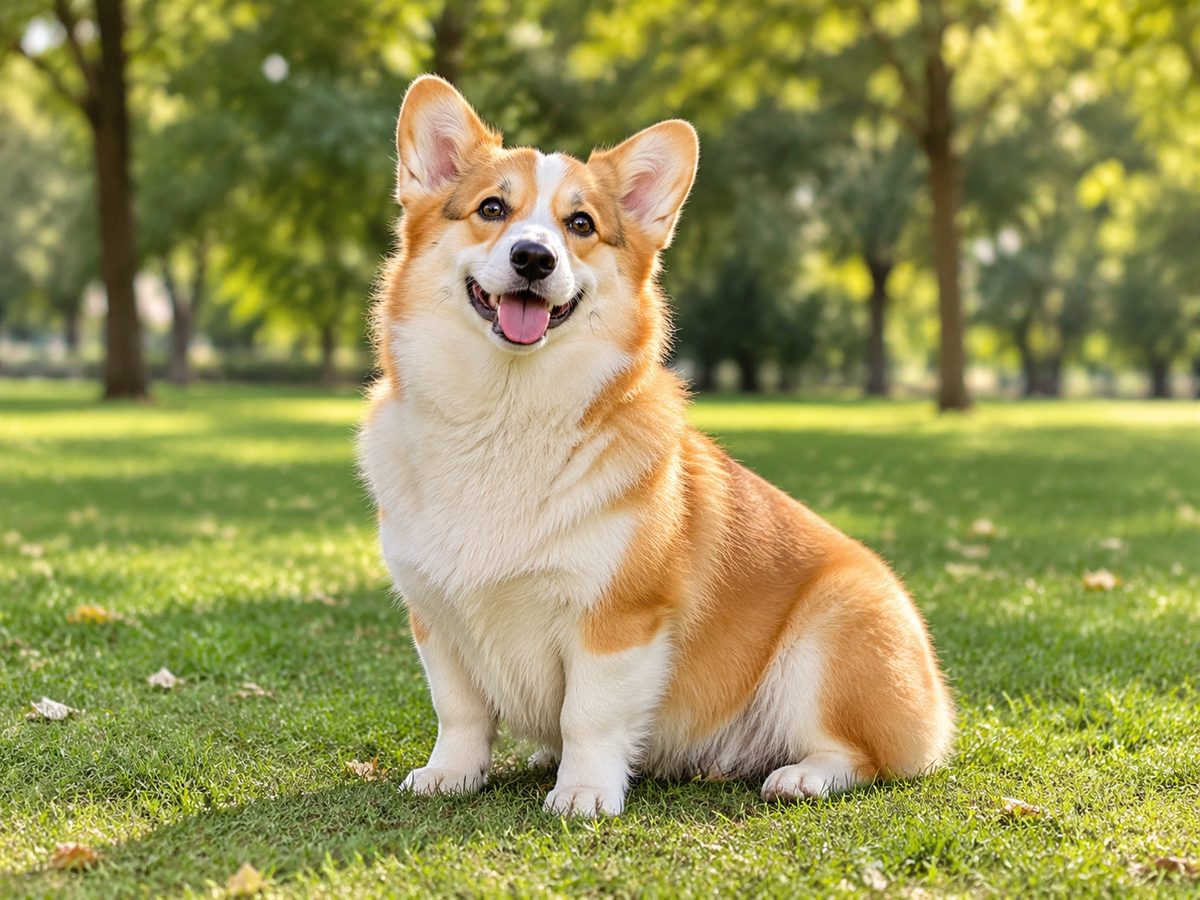 Sample photo
Explore a prepared sample without signing in or spending credits.
Clean cutouts without the busywork
Try a free sample
Explore a prepared sample without signing in or spending credits.
Fine edges
The model separates hair, fur, and soft product edges from the background.
HD when you need it
Remove a background for 1 credit. Download the result as often as you like.
Remove a background in three steps
- 1
Choose an image
Choose a JPG, PNG, or WebP image up to 10 MiB.
- 2
Remove the background
Choose Remove background to spend 1 credit.
- 3
Save the result
Download your transparent PNG.
Questions about background removal
Can I remove a background for free?
Samples are free. Processing your own image costs 1 credit.
Where is my image processed?
Our processing provider, kie.ai, removes the background. kie.ai deletes uploaded images after 24 hours and keeps results for up to 14 days. The supported formats are JPG, PNG, and WebP. The file size limit is 10 MiB.
What does the HD export include?
Each background removal uses 1 credit. HD preserves the source size up to 4096 px per side and 16 megapixels.
Which images work best?
Photos with a clear subject work best, such as products, people, and pets. Upload a JPG, PNG, or WebP image up to 10 MiB. Images with an aspect ratio wider than 16:1 are not supported.
Is ImgEdit an alternative to remove.bg?
Yes. Try a sample first, then use a credit to remove the background from your photo online.